Quick Answer: Selling digital products online means creating a file or resource once — an eBook, template, course, or printable — and selling it repeatedly with no inventory or shipping costs. Beginners can start with free or low-cost tools, list on established marketplaces, and earn passive income from day one. The biggest barrier isn’t technical skill; it’s choosing the right product and getting it in front of buyers.
Key Takeaways
- Digital products include eBooks, templates, courses, presets, printables, and stock assets — all delivered electronically.
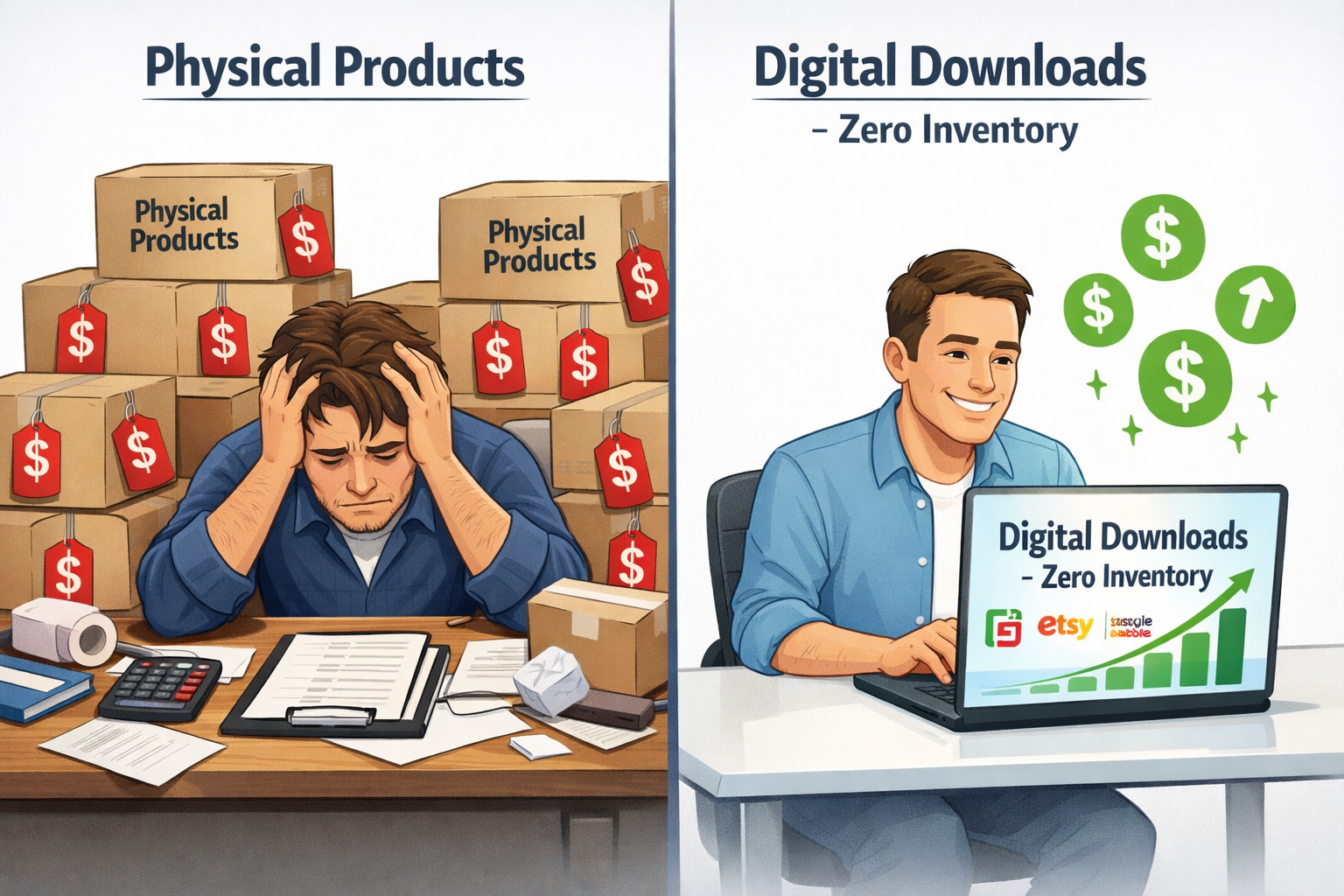
- No inventory, no shipping, and no manufacturing costs make digital products one of the lowest-risk income models available.
- Beginners can start on platforms like Gumroad, Etsy (digital downloads), or Teachable with little to no upfront cost.
- The most profitable digital products solve a specific, searchable problem for a defined audience.
- Pricing should reflect the value delivered, not just the time it took to create. A well-positioned $27 template can outsell a $5 one.
- Marketing — especially SEO, Pinterest, and email lists — drives consistent sales without paid ads.
- Passive income from digital products is real, but it requires upfront work and ongoing promotion.
- Beginners should start with one product on one platform before expanding.
What Are Digital Products and Why Should Beginners Sell Them?
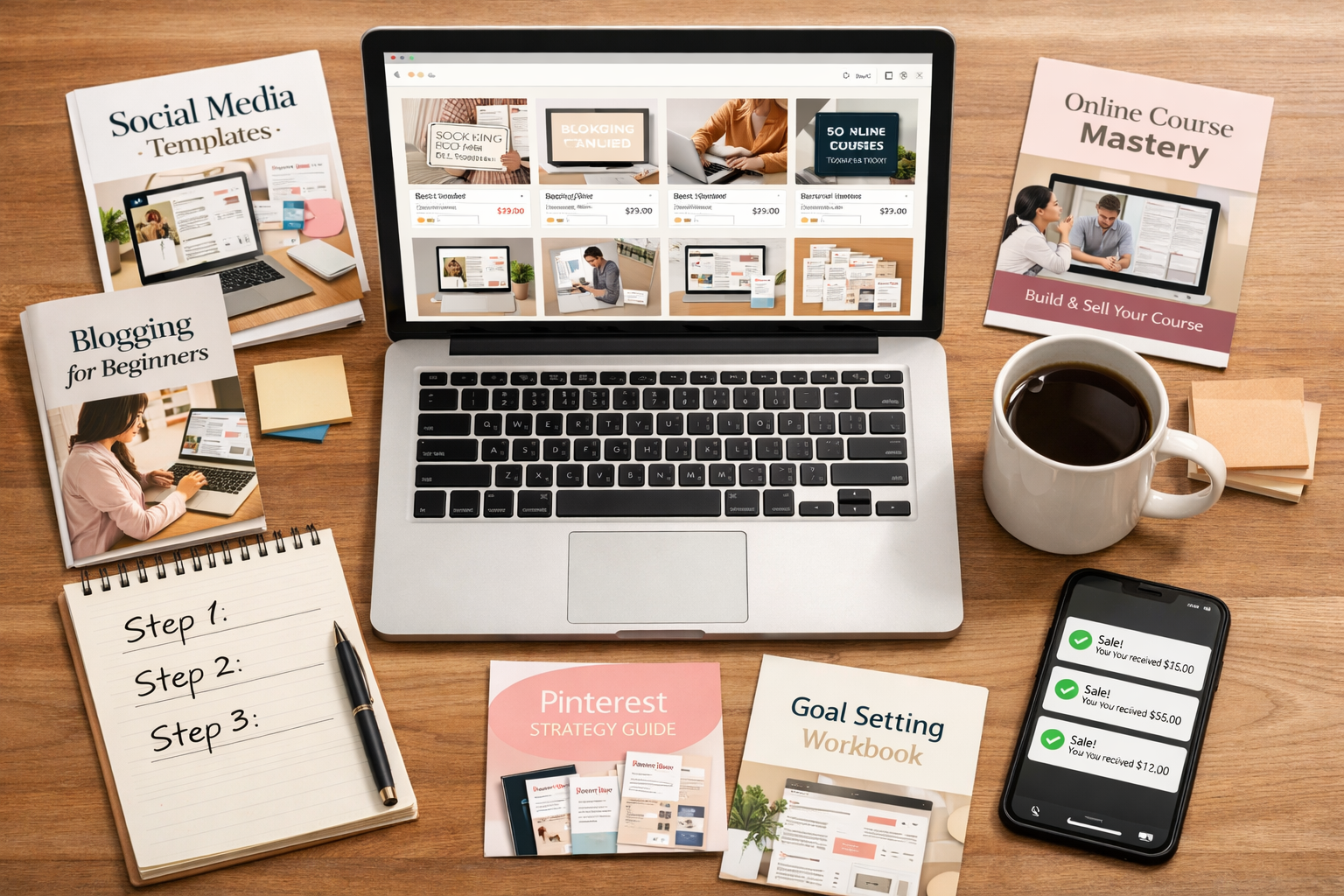
Digital products are files or content that customers download or access online after purchase. There’s no physical item to ship, store, or manufacture. For beginners looking for a low-risk way to earn money from home, this model removes most of the traditional barriers to starting a business.
Common types of digital products:
| Product Type | Examples | Best For |
|---|---|---|
| eBooks & Guides | “30-Day Budget Plan,” “Beginner Yoga Guide” | Writers, coaches, educators |
| Templates | Canva social media kits, resume templates | Designers, VA professionals |
| Printables | planners, checklists, wall art | Creative sellers, parents |
| Online Courses | video lessons, mini-courses | Experts, teachers, coaches |
| Digital Art & Presets | Lightroom presets, Procreate brushes | Artists, photographers |
| Stock Assets | music, photos, fonts, icons | Creatives with technical skills |
Why digital products work well for beginners:
- Create once, sell forever. A $15 budget planner made in an afternoon can sell hundreds of times.
- No overhead. No warehouse, no packaging, no shipping labels.
- Global reach. A buyer in Canada can purchase from a seller in the Philippines instantly.
- Scalable. Adding a second or third product doesn’t double the workload.
“The best digital product solves a problem someone is already searching for a solution to.”
Common mistake: Many beginners create a product they personally find interesting rather than one a specific audience actively needs. Research before creating.
How to Choose the Right Digital Product to Sell
The right product sits at the intersection of what the seller knows, what buyers search for, and what competitors haven’t fully covered. Beginners don’t need to reinvent anything — they need to find a gap or serve a niche better.
Step-by-step product selection process:
- List your skills and knowledge. What do people ask for help with? What software, systems, or topics do you know well?
- Search for demand. Use Etsy search, Pinterest, Google autocomplete, and Reddit threads to find what people are actively looking for.
- Check competition. Some competition is good — it confirms demand. But if 10,000 sellers offer the same generic item, find a more specific angle.
- Validate the idea cheaply. Before spending 40 hours on a course, create a simple checklist or mini-guide first and see if it sells.
Choose X if… decision guide:
- Choose printables if you’re creative and want the fastest path to a first sale.
- Choose templates if you have design or productivity skills and want higher price points.
- Choose an online course if you have deep expertise and at least a few weeks to build content.
- Choose an eBook if you write well and want to build authority in a niche.
What Platforms Should Beginners Use to Sell Digital Products?
Beginners should start on a platform that already has built-in traffic so they don’t have to build an audience from scratch. The best platform depends on the product type and how much control the seller wants.
Top platforms for beginners in 2026:
| Platform | Best For | Fees | Traffic Included? |
|---|---|---|---|
| Etsy | Printables, templates, digital art | $0.20 listing + 6.5% transaction | Yes — large built-in audience |
| Gumroad | eBooks, courses, any digital file | Free plan: 10% per sale | Minimal — seller drives traffic |
| Teachable | Online courses, coaching | Free plan available; paid from $39/mo | No — seller drives traffic |
| Payhip | eBooks, memberships, courses | Free plan: 5% per sale | Minimal |
| Creative Market | Fonts, templates, graphics | 40% commission | Yes — design-focused audience |
Beginner recommendation: Start with Etsy for printables and templates (built-in search traffic), or Gumroad for eBooks and guides (simple setup, low cost). Don’t open accounts on five platforms at once — master one first.
Edge case: Sellers who already have a social media following or email list may do better launching directly through Gumroad or Payhip, keeping more revenue and owning the customer relationship.
A Step-by-Step Beginner Guide to Selling Digital Products Online
This section is the core of any beginner guide to selling digital products online. Follow these steps in order — skipping ahead often leads to wasted effort.
Step 1: Pick one product idea
Use the selection process above. Write it down as a single sentence: “I’m creating a [product type] that helps [specific audience] with [specific problem].”
Step 2: Create the product
Free tools that work well for beginners:
- Canva — for templates, printables, eBooks, and workbooks
- Google Docs or Notion — for guides and checklists
- Loom or OBS Studio — for recording course videos
- Audacity — for audio products or podcast-style content
Keep the first product simple. A clean, useful 10-page PDF beats a bloated 80-page document that took three months to finish.
Step 3: Set up a seller account
Create an account on the chosen platform. Fill out the profile completely — platforms reward complete profiles with better visibility.
Step 4: Create the product listing
- Write a title that includes what buyers search for (e.g., “Budget Planner Printable — Monthly & Weekly Tracker”).
- Write a description that explains who it’s for, what’s included, and what problem it solves.
- Add 5–10 high-quality mockup images showing the product in use.
- Set a price (more on pricing below).
Step 5: Upload the file
Most platforms accept PDF, ZIP, PNG, MP4, and other common formats. Test the download yourself before publishing.
Step 6: Publish and promote
Don’t wait for the platform’s algorithm to do all the work. Share the listing on Pinterest, in relevant Facebook groups, or through an email list. Even one or two external links can accelerate early sales.
Step 7: Collect feedback and improve
After the first few sales, read buyer messages and reviews. Use that feedback to improve the product or create a complementary one.
💡 You might also like
Easy Digital Products to Sell — A Beginner’s Guide — the fastest products to create
Best Platforms to Sell Digital Products Online in 2026 — Gumroad vs Payhip vs more
How to Earn Passive Income with Digital Products in 2026 — create once, earn forever
Passive Income Ideas for Beginners — Complete 2026 Guide — 10 methods, zero startup cost
How Should Beginners Price Their Digital Products?
Price based on the value the product delivers, not the time it took to make. A one-page checklist that saves a buyer two hours of research is worth more than $2.
General pricing benchmarks (estimates based on common market ranges in 2026):
- Simple printables and checklists: $3–$12
- Multi-page planners and workbooks: $10–$25
- Template packs (Canva, Notion, etc.): $15–$47
- Short eBooks and guides: $7–$29
- Mini online courses (under 2 hours): $27–$97
- Full online courses: $97–$497+
Pricing mistakes beginners make:
- Pricing too low to “compete,” which attracts bargain hunters and devalues the product.
- Pricing based on hours worked rather than outcome delivered.
- Never raising prices after gaining reviews and social proof.
Practical tip: Launch at a mid-range price, gather 5–10 reviews, then raise the price. Early buyers get a deal; later buyers pay for proven value.
How Do Beginners Market Digital Products Without Paid Ads?
Marketing is where most beginners stall. The good news: free traffic from Pinterest, SEO, and email lists can drive consistent sales without spending money on ads.
Most effective free marketing channels for digital product sellers:
Pinterest works especially well for printables, planners, and templates. Create vertical pins (1000x1500px) that show the product in use. Pin consistently — 5 to 10 pins per week linked to the product listing or a blog post.
Etsy SEO (if selling on Etsy) relies on keyword-rich titles and tags. Research what buyers type into the Etsy search bar and use those exact phrases in listings.
Email list is the most valuable long-term asset. Offer a free mini-product (a sample page, a checklist) to collect email addresses. Even a list of 200 engaged subscribers can generate reliable sales.
Short-form video on TikTok or Instagram Reels showing “how I made this product” or “what’s inside” drives curiosity and clicks.
Common mistake: Posting once and waiting. Consistent, repeated promotion — especially in the first 90 days — is what separates sellers who make sales from those who don’t.
What Are Realistic Income Expectations for Beginners?
Selling digital products can generate real income, but it’s rarely instant. Setting honest expectations prevents early discouragement.
Realistic income ranges for beginners (estimates):
- Months 1–3: $0–$200/month. Focus on creating, listing, and learning the platform.
- Months 4–6: $100–$500/month. With consistent promotion and a few products listed.
- Year 1+: $500–$2,000+/month. With a small product catalog, reviews, and an audience.
Some sellers earn more, some earn less. Results depend on niche demand, product quality, consistency of promotion, and how quickly feedback is applied.
What accelerates growth:
- Adding 2–3 complementary products (a “shop” converts better than a single listing)
- Building an email list from day one
- Getting early reviews by offering the product to beta testers or at a discount
What slows growth:
- Switching niches or platforms every few weeks
- Skipping the promotion phase after publishing
- Creating products without validating demand first
What Are the Most Common Mistakes Beginners Make When Selling Digital Products?
Most beginner mistakes fall into a few predictable patterns. Knowing them in advance saves months of frustration.
- Creating before validating. Build the audience or confirm demand before spending weeks on a product.
- Ignoring the listing quality. Poor images and vague descriptions kill conversion rates, even for great products.
- Quitting too early. Most digital product sellers don’t see meaningful traction until month 3 or 4.
- Selling to everyone. A planner “for busy moms who homeschool” will outsell a generic “daily planner” almost every time.
- Neglecting file quality. Blurry images, broken links, or uneditable templates lead to refund requests and negative reviews.
- Not building an email list. Platform algorithms change. An email list is the only audience the seller truly owns.
FAQ: Beginner Guide to Selling Digital Products Online
Q: Do I need a business license to sell digital products online?
Requirements vary by country and state. In the US, many solo sellers operate as sole proprietors without a formal license to start. Check local regulations, and consider consulting a tax professional once income becomes consistent.
Q: How do I deliver the digital product to buyers?
Most platforms (Etsy, Gumroad, Payhip) handle delivery automatically. After purchase, the buyer receives a download link. No manual action is needed from the seller.
Q: Can I sell digital products with no design skills?
Yes. Canva has free templates that require minimal design knowledge. Text-based products like checklists, guides, and eBooks need strong writing more than design skill.
Q: How many products do I need before I start making sales?
One well-positioned product can make sales. However, having 3–5 products in the same niche increases the chance of being discovered and improves average order value.
Q: What if someone copies or pirates my product?
This is a real risk. Add a copyright notice to every file. Some sellers watermark preview images. Platforms like Etsy have processes for reporting IP violations. For most beginners, the risk is low relative to the opportunity.
Q: Is selling digital products on Etsy still worth it in 2026?
Etsy remains one of the highest-traffic marketplaces for printables and templates. Competition has grown, but sellers with specific niches and strong listing SEO still find consistent success.
Q: Do I need to pay taxes on digital product income?
Yes. Digital product income is taxable in most countries. Track all revenue and expenses from day one. Platforms like Etsy and Gumroad may issue tax forms depending on earnings thresholds.
Q: What’s the fastest digital product to create and sell?
A single-page printable (checklist, habit tracker, or planner page) created in Canva can be ready to list within a few hours. It’s the fastest entry point for most beginners.
Q: Can I sell the same product on multiple platforms?
Generally yes, unless the platform has exclusivity terms (most don’t). Selling on Etsy and Gumroad simultaneously is a common strategy.
Q: How do I handle refunds for digital products?
Most platforms allow sellers to set a no-refund policy for digital downloads (since the file can’t be “returned”). However, offering a refund for genuinely defective products protects reputation and avoids disputes.
Conclusion: Start Simple, Stay Consistent
The beginner guide to selling digital products online comes down to a straightforward process: pick a specific problem, create a useful product, list it on the right platform, and promote it consistently. None of those steps require a large budget, technical expertise, or a pre-existing audience.
Actionable next steps for this week:
- Write down three topics or skills where others regularly ask for help.
- Search Etsy or Pinterest for each topic to confirm buyer demand.
- Choose one product idea and create a simple version using Canva or Google Docs.
- Open a free account on Gumroad or Etsy and publish the first listing.
- Share the listing in one relevant online community or on one social platform.
The income from digital products builds gradually, but it compounds. A seller with five solid products, 50 reviews, and a small email list in 12 months has built something that generates income while they sleep. That’s the real appeal — and it starts with a single product, listed today.