
What if you could start earning money online today — no website, no hosting fees, and no technical skills required? Thousands of side hustlers and freelancers are already doing it. Learning how to sell digital products without a website is one of the fastest, lowest-cost ways to build an income stream in 2026. Whether it’s an eBook, a Canva template, or an online course, the tools to sell digital goods are already built and waiting for you.
Key Takeaways 📌
- No website? No problem. Established platforms like Gumroad, Etsy, and Patreon handle everything from payments to delivery.
- Digital products have low overhead — create once, sell repeatedly with no inventory or shipping costs.
- Social media is a powerful free marketing tool that drives sales without paid ads.
- Realistic earnings range from a few hundred to several thousand dollars per month, depending on effort and niche.
- Starting is easier than most people think — many sellers launch their first product in under a week.
Why Sell Digital Products Without a Website?
Building a website takes time, money, and technical know-how. For beginners, that barrier alone stops many people before they even start.
The good news? You don’t need a website to sell digital products. Third-party platforms handle the hard parts — payment processing, file delivery, and customer management — so sellers can focus on creating and marketing.
Here’s why this model works so well:
| Benefit | Details |
|---|---|
| 💰 Low startup cost | Most platforms are free or charge small fees |
| ⚡ Fast to launch | Go from idea to first sale in days |
| 🔁 Passive income potential | Sell the same product over and over |
| 🌍 Global reach | Sell to customers anywhere in the world |
| 🛠️ No tech skills needed | Platforms handle payments and delivery |
“The best business model is one where you create something once and get paid for it repeatedly.”
What Digital Products Can You Sell?
Before picking a platform, it helps to know what kinds of digital products sell well. The options are broader than most people realize.
Popular Digital Products for Beginners
- 📄 eBooks and guides — How-to content, recipes, travel guides
- 🎨 Templates — Canva social media templates, resume templates, budget spreadsheets
- 🎓 Online courses and video tutorials — Skills-based teaching in any niche
- 🎵 Music, sound effects, and audio files — Royalty-free tracks for creators
- 🖼️ Printables — Planners, journals, worksheets, wall art
- 📸 Stock photos and graphics — Sold to bloggers, marketers, and businesses
- 💻 Software, plugins, and presets — Lightroom presets, Photoshop actions
Pro tip: The best digital product to start with is one that solves a specific problem for a specific group of people. Narrow niches often outperform broad ones.
How to Sell Digital Products Without a Website: The Best Platforms
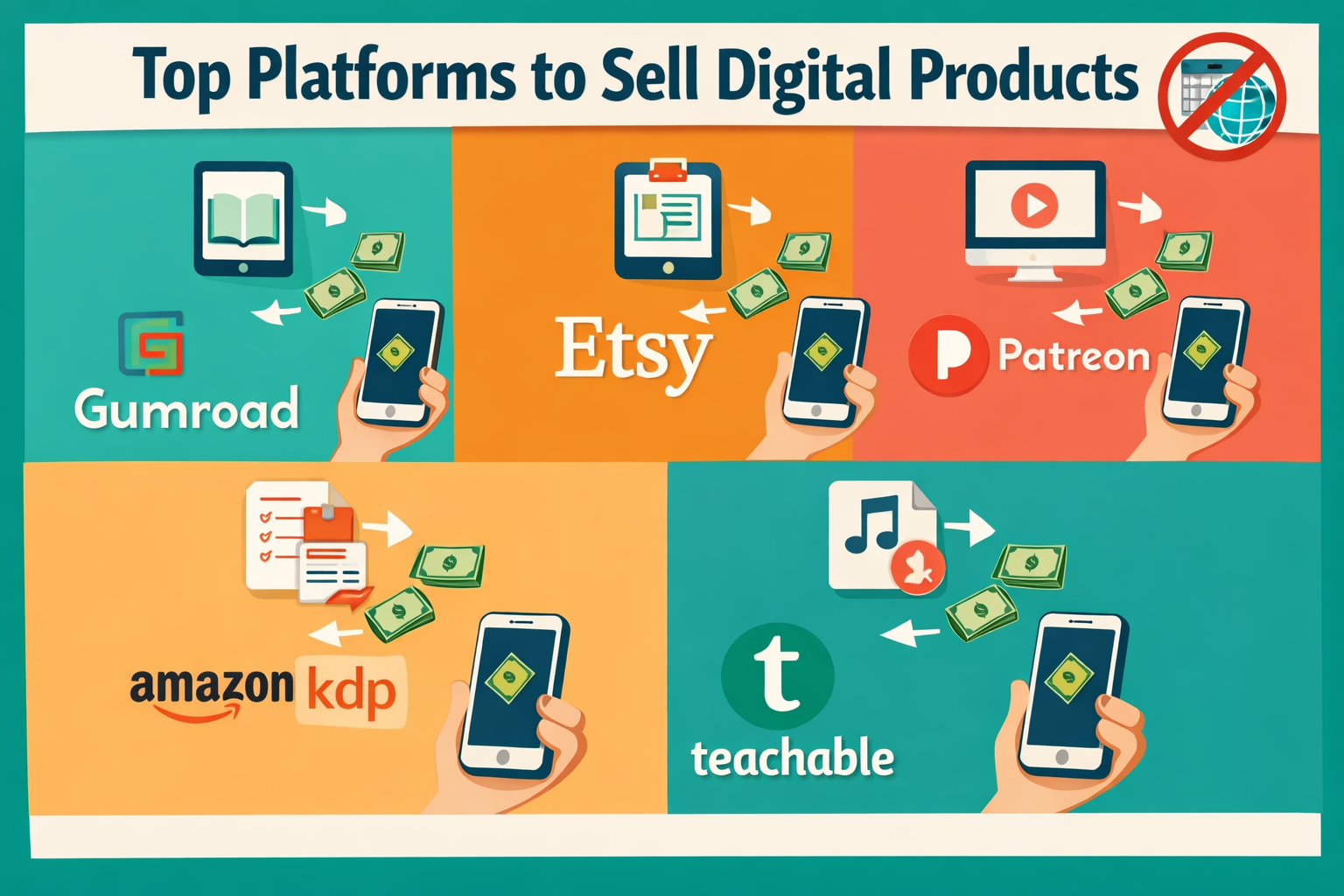
This is where it gets exciting. There are several well-established platforms that make it easy to sell digital products without a website. Each has its own strengths, fees, and audience.
1. 🛒 Gumroad
Best for: eBooks, courses, memberships, software
Gumroad is one of the most beginner-friendly platforms available. Sellers upload their product, set a price, and share a link. Gumroad handles payments, file delivery, and even lets sellers offer discount codes.
- Fees: 10% per transaction (free plan)
- Setup time: Under 30 minutes
- Audience: Creators, writers, developers
2. 🎨 Etsy
Best for: Printables, templates, digital art, planners
Etsy has millions of active buyers already searching for digital downloads. It’s especially strong for visual products like planners, wall art, and Canva templates.
- Fees: $0.20 listing fee + 6.5% transaction fee
- Setup time: A few hours
- Audience: Shoppers looking for creative and practical products
3. 📚 Amazon KDP (Kindle Direct Publishing)
Best for: eBooks and low-content books (journals, notebooks)
Amazon KDP gives sellers access to one of the largest online marketplaces in the world. It’s free to publish, and royalties range from 35% to 70%.
- Fees: Free to publish; royalties vary
- Setup time: 1–3 days for review
- Audience: Readers worldwide
4. 🎓 Teachable / Thinkific
Best for: Online courses and coaching programs
Both platforms let creators build and sell courses without needing their own website. They handle video hosting, student management, and payments.
- Fees: Free plans available; paid plans from ~$39/month
- Setup time: A few days to build a course
- Audience: Learners seeking structured education
5. 💌 Patreon
Best for: Recurring memberships, exclusive content
Patreon is ideal for creators who want to build a loyal community and earn monthly recurring income. Members pay a monthly fee for exclusive access to content, downloads, or community perks.
- Fees: 5–12% platform fee depending on plan
- Setup time: Quick setup, ongoing content creation required
- Audience: Fans and supporters of creators
6. 📱 Social Media Marketplaces
Platforms like Instagram, TikTok, and Facebook now have built-in shopping and link-in-bio tools. Combined with a payment tool like PayPal, Stripe, or Buy Me a Coffee, sellers can take orders directly through social media.
Quick Platform Comparison Table
| Platform | Best Product Type | Fee Structure | Ease of Use |
|---|---|---|---|
| Gumroad | eBooks, courses, software | 10% per sale | ⭐⭐⭐⭐⭐ |
| Etsy | Printables, templates | Listing + transaction fee | ⭐⭐⭐⭐ |
| Amazon KDP | eBooks, low-content books | Royalty split | ⭐⭐⭐⭐ |
| Teachable | Online courses | Free + paid plans | ⭐⭐⭐⭐ |
| Patreon | Memberships, exclusives | 5–12% fee | ⭐⭐⭐⭐ |
| Social Media | Any digital product | Payment tool fees | ⭐⭐⭐ |
How to Market and Promote Digital Products Without a Website
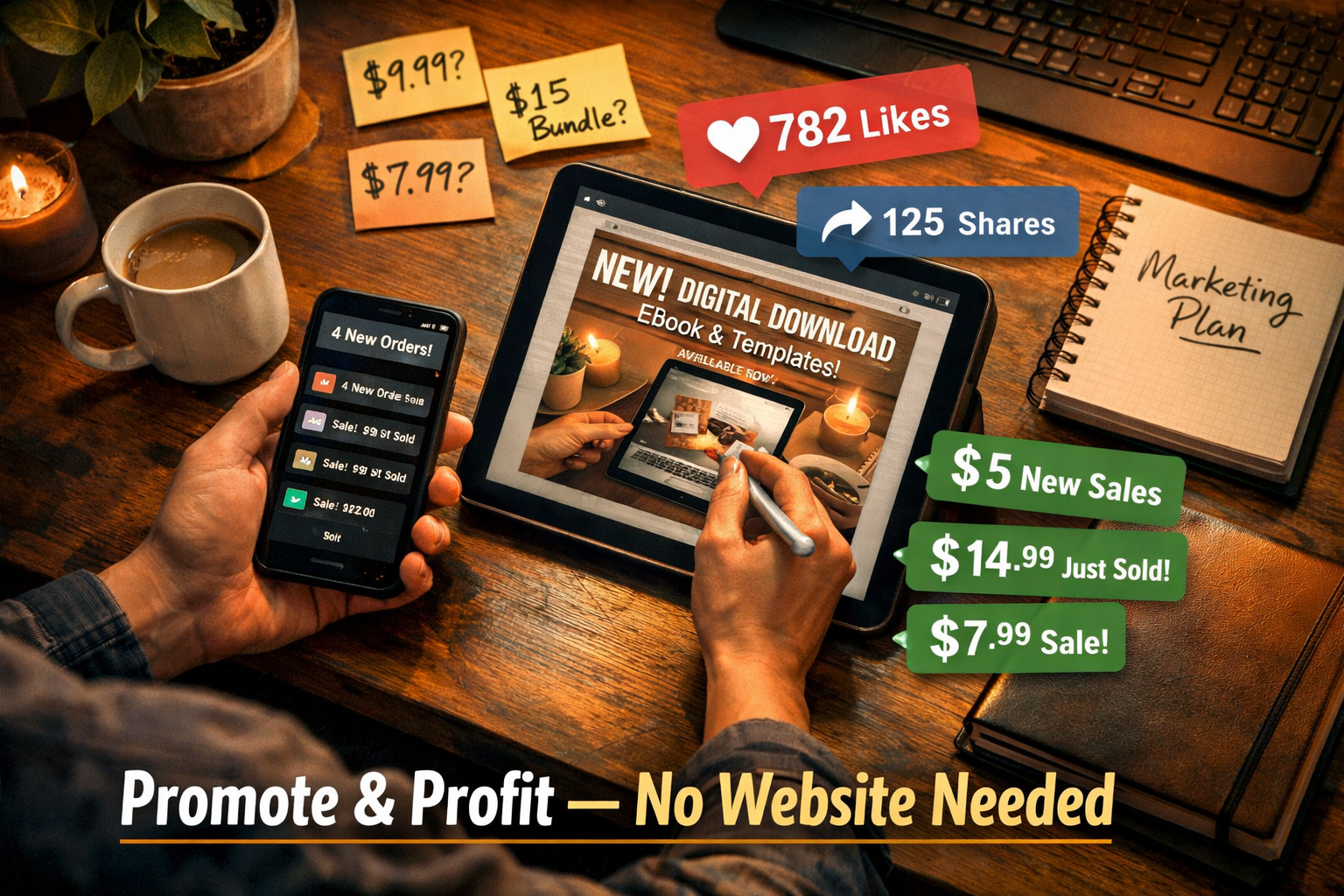
Creating a great product is only half the work. The other half is getting people to see it. The good news is that free marketing channels are incredibly powerful for digital product sellers.
Use Social Media to Drive Traffic
Social media platforms are free, global, and built for discovery. Here’s how to use them effectively:
- TikTok & Instagram Reels: Short videos showing the product in action, or “behind the scenes” of creating it, perform exceptionally well. A single viral video can generate hundreds of sales.
- Pinterest: Highly effective for printables, planners, and visual products. Pins have a long shelf life and drive consistent traffic to Etsy and Gumroad listings.
- Facebook Groups: Join niche communities where the target audience hangs out. Share value first, then mention the product naturally.
- YouTube: Tutorial videos that teach something related to the product build trust and drive organic sales over time.
Build an Email List Early
Even without a website, email lists can be built using free tools like Mailchimp or ConvertKit’s free tier. Offer a freebie (a mini eBook, checklist, or template) to collect emails, then promote products to that list.
“An email list is the most valuable asset a digital product seller can own — it’s an audience that no algorithm can take away.”
Leverage Affiliate Marketing
Some platforms like Gumroad and Teachable allow sellers to set up affiliate programs. This means other people promote the product in exchange for a commission. It’s a powerful way to scale sales without extra marketing effort.
Collaborate With Other Creators
Partnering with creators in the same niche for shoutouts, bundle deals, or joint promotions can quickly expand reach. This works especially well on Instagram, YouTube, and newsletters.
Realistic Earnings: What to Expect
Honest expectations matter. Here’s a realistic breakdown of what beginners can earn:
| Stage | Monthly Earnings | What It Takes |
|---|---|---|
| Just starting | $0–$200 | First product listed, minimal audience |
| Growing | $200–$1,000 | Consistent posting, 2–5 products |
| Established | $1,000–$5,000+ | Strong audience, multiple products, email list |
Important: Most sellers don’t make significant money in the first month. Building momentum takes 3–6 months of consistent effort. The sellers who succeed treat it like a real business, not a lottery ticket.
Common Mistakes to Avoid
🚫 Trying to sell to everyone — Pick a specific niche and a specific audience.
🚫 Skipping the research phase — Validate the product idea before spending hours creating it. Check Etsy search volume, Reddit threads, or Facebook groups to confirm demand.
🚫 Setting prices too low — Underpricing signals low quality. Research competitor pricing and price confidently.
🚫 Creating one product and waiting — Sellers with multiple products earn significantly more. Aim to build a small catalog over time.
🚫 Ignoring customer feedback — Reviews and messages are gold. Use them to improve products and create new ones.
Step-by-Step: How to Sell Digital Products Without a Website
Here’s a simple action plan to get started:
- Choose a niche — Pick a topic you know well or are passionate about.
- Validate the idea — Search Etsy, Gumroad, and Reddit to confirm people want it.
- Create the product — Use free tools like Canva, Google Docs, or Loom.
- Pick a platform — Start with one (Gumroad or Etsy are great for beginners).
- Set up the listing — Write a clear title, description, and add a preview image.
- Set the price — Research competitors and price fairly.
- Start marketing — Post on social media, join communities, and share consistently.
- Collect feedback and improve — Refine the product and create more.
Conclusion: Start Selling Digital Products Today
Learning how to sell digital products without a website is one of the most accessible ways to build income online in 2026. The platforms are ready, the tools are free, and the demand for digital products is growing every year.
The key is to start simple, stay consistent, and keep improving. Pick one product, choose one platform, and commit to marketing it for at least 90 days before judging the results.
✅ Actionable Next Steps:
- Brainstorm 3 digital product ideas based on skills or knowledge already owned.
- Search Etsy or Gumroad to validate demand for each idea.
- Create the first product using Canva or Google Docs — aim for done over perfect.
- Set up a free Gumroad or Etsy account and publish the first listing this week.
- Choose one social media platform and post about the product consistently.
The only thing standing between a great idea and the first sale is action. Start today. 🚀