Quick Answer: Selling Canva templates is one of the most accessible ways to earn passive income online. You create a digital design once, list it on a marketplace like Etsy or Gumroad, and collect payments every time someone buys it — no shipping, no inventory, no ongoing effort required. Beginners with zero design experience can start within a week using Canva’s free tools.
Key Takeaways
- Canva templates are digital products — you make them once and sell them repeatedly, making this a true passive income stream.
- The most popular template niches include social media graphics, business planners, resume templates, and Pinterest pins.
- Etsy, Gumroad, and Creative Market are the top platforms for selling Canva templates in 2026.
- A free Canva account is enough to start, but Canva Pro (around $15/month) unlocks premium elements that can make designs more competitive.
- Pricing templates between $3 and $25 is the standard range for most marketplaces, with bundles commanding higher prices.
- Good product mockups and SEO-optimized listings are the two biggest factors in whether a template actually sells.
- Beginners should focus on one niche and one platform before expanding.
- Income is not instant — most sellers see their first sales within 30 to 90 days of consistent listing activity.
What Are Canva Templates and Why Do They Sell?
Canva templates are pre-designed, editable files that buyers can customize inside Canva using a shared link. They sell because most small business owners, content creators, and entrepreneurs need professional-looking graphics but lack the time or skill to design from scratch.
When someone buys a Canva template, they get a link that opens the design directly in their own Canva account. They swap out text, colors, and images — and they’re done in minutes. That convenience is exactly what buyers pay for.
Why this works as a passive income model:
- One template can sell hundreds or thousands of times with no extra work from the creator.
- Digital delivery is automatic on most platforms, so there’s no manual fulfillment.
- Canva has over 170 million users globally (Canva, 2024), meaning the customer base is already familiar with the tool.
Who Is This Business Model Right For?
Learning how to sell Canva templates and make passive income is a realistic goal for a wide range of people — but it’s not a perfect fit for everyone.
Good fit if you:
- Enjoy design or are willing to spend a few hours learning Canva’s basics
- Want a low-cost side hustle (startup costs can be under $20)
- Are patient enough to build a shop over 60 to 90 days before expecting consistent sales
- Have time to create 10 to 20 templates before launching
Not the best fit if you:
- Need income within the next two weeks (this is a slow-build model)
- Are unwilling to learn basic SEO for your product listings
- Expect passive income without an upfront creation phase
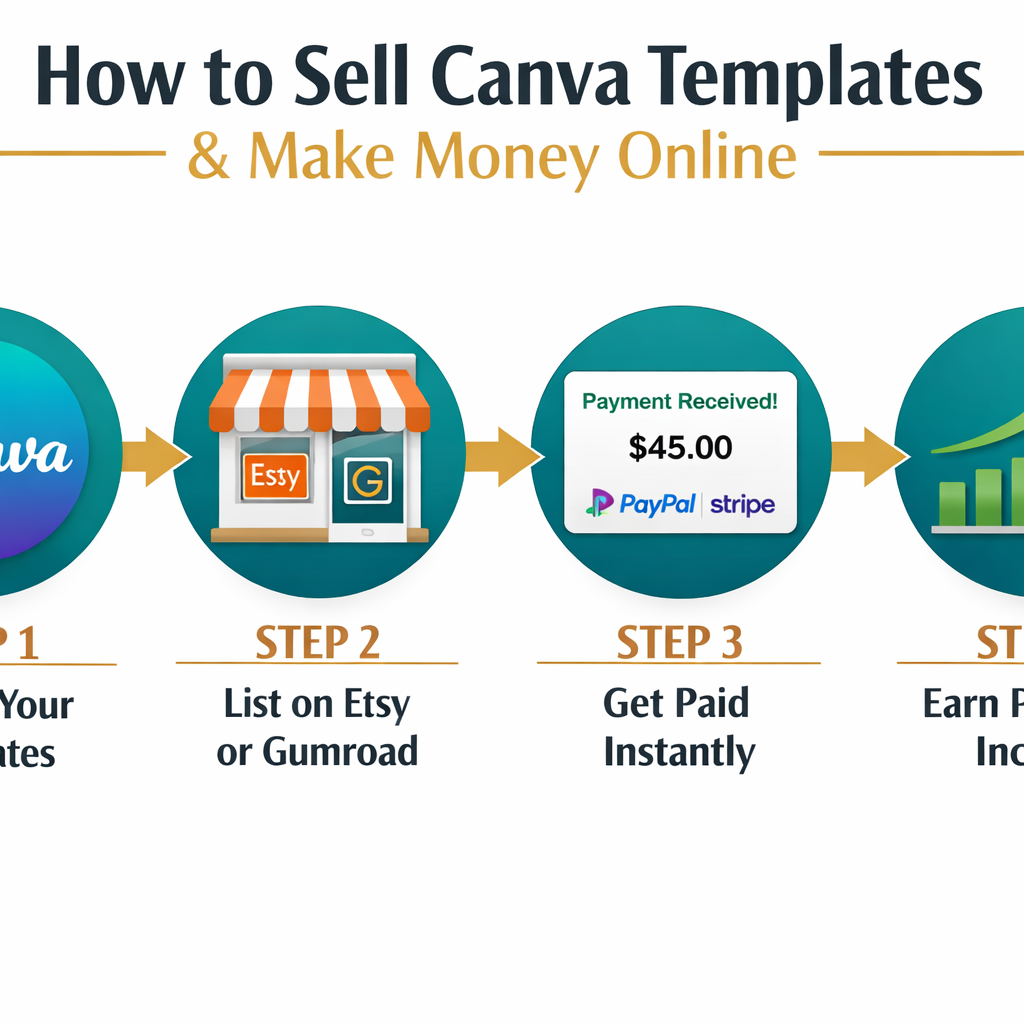
How to Sell Canva Templates and Make Passive Income: Step-by-Step
Here is the full process broken into clear, actionable steps. Follow these in order for the fastest path to your first sale.
Step 1: Choose a Profitable Niche
Don’t try to design everything. Pick one niche and own it. The best niches in 2026 are specific enough to attract buyers but broad enough to support 20 or more product listings.
High-demand template niches:
| Niche | Example Products | Avg. Price Range |
|---|---|---|
| Social media | Instagram posts, Reels covers, Stories | $5 – $15 |
| Business tools | Invoices, proposals, media kits | $8 – $25 |
| Planners & journals | Weekly planners, habit trackers | $5 – $20 |
| Resume & CV | Modern resume templates, cover letters | $5 – $15 |
| Pinterest pins | Blog post pins, product pins | $5 – $12 |
| Wedding & events | Invitations, programs, seating charts | $10 – $30 |
Choose a niche if: You already follow creators or businesses in that space and understand what they need visually.
Step 2: Create Your Templates in Canva
Open a free Canva account at canva.com and start designing. Use Canva’s built-in templates as inspiration (not as a copy), then build your own versions.
Design tips that actually matter:
- Stick to 2 to 3 fonts per template and use Canva’s font pairing suggestions.
- Use a consistent color palette across your entire shop — it builds brand recognition.
- Leave placeholder text like “Your Business Name Here” so buyers know what to edit.
- Design for the correct dimensions (e.g., 1080x1080px for Instagram posts, 1000x1500px for Pinterest).
- Test your template by actually editing it yourself before listing it.
Common mistake: Making templates that are too complex. Buyers want something they can customize in 10 minutes, not an hour.
Step 3: Set Up Your Canva Share Link
Once a template is ready, click Share > Template link > Create template link in Canva. This generates a unique URL that opens a copy of the design in the buyer’s Canva account — they edit their copy, not yours.
This link is what you deliver to customers after purchase. On Etsy, you paste it into a PDF file and upload that PDF as the digital download. On Gumroad, you can deliver the PDF directly.
Step 4: Pick a Platform and List Your Templates
The three main platforms for selling Canva templates are Etsy, Gumroad, and Creative Market. Each has trade-offs.
| Platform | Fees | Built-in Traffic | Best For |
|---|---|---|---|
| Etsy | ~6.5% transaction + listing fees | High | Beginners wanting organic discovery |
| Gumroad | 10% on free plan, lower on paid | Low | Creators with an existing audience |
| Creative Market | 40% commission | Medium | Higher-end, design-focused buyers |
Recommendation for beginners: Start with Etsy. The platform has strong search traffic and buyers who are already comfortable purchasing digital downloads.
Step 5: Write SEO-Optimized Listings
A beautiful template won’t sell if no one finds it. Etsy and Google both index your listings, so keyword research matters.
How to write a listing that ranks:
- Use a tool like Etsy’s own search bar (type your niche and see autocomplete suggestions) or a free tool like eRank to find real search terms.
- Put the most important keyword in the first 40 characters of your title (e.g., “Instagram Post Templates for Small Business”).
- Write a description that explains what the buyer gets, how to use it, and what software is required (Canva, free or Pro).
- Fill all 13 Etsy tags with relevant, specific phrases.
Step 6: Create Strong Product Mockups
Mockups are the preview images buyers see before purchasing. They are the single biggest factor in click-through rate.
What makes a good mockup:
- Show the template displayed on a realistic device (laptop, phone, tablet).
- Include a lifestyle element — a desk, a coffee cup, a notebook nearby.
- Show multiple slides or pages if it’s a multi-template pack.
- Use Canva itself to create mockups, or use free mockup sites like Smartmockups.
Step 7: Drive Traffic and Scale
After listing 10 to 20 templates, focus on bringing in traffic beyond the platform’s organic search.
Effective traffic sources for template sellers:
- Pinterest: Pin your mockup images with keyword-rich descriptions. Pinterest is a top referral source for Etsy shops.
- TikTok or Instagram Reels: Short videos showing the template being customized perform well and drive shop visits.
- Email list: Even a small list of 200 subscribers can generate consistent sales during promotions.
How Much Money Can You Realistically Make?
Selling Canva templates and making passive income is real, but income varies widely based on niche, listing quality, and consistency.
Realistic income estimates (based on typical seller reports in public forums and creator communities):
- 0 to 3 months: $0 to $200/month while building the shop
- 3 to 6 months: $100 to $500/month with 20+ active listings and good SEO
- 6 to 12 months: $500 to $2,000+/month for shops with 50+ listings in a strong niche
These are estimates based on commonly reported ranges in seller communities (Etsy seller forums, Reddit’s r/Etsy, and YouTube creator case studies) — not guaranteed outcomes. Results depend heavily on niche competition, listing quality, and how actively the seller promotes their shop.
The math is simple: A $10 template that sells 5 times a day generates $1,500/month. Getting there takes time and a catalog of strong listings.
What Are the Costs to Get Started?
Starting a Canva template business is genuinely low-cost compared to most online businesses.
| Expense | Cost | Notes |
|---|---|---|
| Canva Free | $0 | Enough to start |
| Canva Pro | ~$15/month | More elements, backgrounds, fonts |
| Etsy listing fee | $0.20 per listing | Charged when you publish |
| Etsy transaction fee | 6.5% per sale | Deducted automatically |
| Mockup tools | $0 – $10/month | Many free options available |
| Estimated startup total | $0 – $30 | Most beginners start under $20 |
Common Mistakes That Kill Sales
Even good designers make these errors when they’re new to selling templates.
- Copying other sellers’ designs: Canva’s terms of service prohibit reselling templates that use Canva’s own template designs as a base. Always build from scratch or from a blank canvas.
- Listing without keywords: A template with no SEO is invisible. Spend as much time on the listing as on the design.
- Pricing too low: Pricing at $1 or $2 signals low quality. Start at $5 minimum, even for simple templates.
- Giving up too early: Most shops don’t gain traction until 60 to 90 days in. Consistency matters more than speed.
- Ignoring buyer messages: Fast response times improve Etsy’s search ranking and build positive reviews.
FAQ
Do buyers need a paid Canva account to use the templates?
No. Most Canva templates work with a free Canva account. If a template uses Canva Pro elements, disclose this clearly in the listing so buyers aren’t surprised.
Can you sell Canva templates if you’re not a professional designer?
Yes. Canva is built for non-designers. Many successful template sellers have no formal design training — they learned by using the platform and studying what sells.
Is it legal to sell Canva templates?
Yes, with conditions. Canva’s Content License Agreement allows users to sell templates they create, as long as the designs are original and not simply re-sold Canva stock templates. Always check Canva’s current terms at canva.com/policies.
How many templates do you need before opening a shop?
A minimum of 10 to 20 listings is recommended before launching. More listings mean more chances to appear in search results and give the shop a professional appearance.
What file format do you deliver to buyers?
Most sellers deliver a PDF file containing the Canva template link. The buyer clicks the link, which opens the template in their own Canva account.
Can you sell the same template on multiple platforms?
Yes. Listing the same template on Etsy, Gumroad, and Creative Market simultaneously is a common strategy to maximize reach.
How long does it take to create one template?
Simple templates (a single Instagram post) take 30 to 60 minutes. Multi-page bundles (a 10-page planner) can take 3 to 5 hours. Most sellers batch their creation time.
Do you need a business license to sell Canva templates?
Requirements vary by country and state. In the U.S., many sellers start as sole proprietors with no formal registration, but consult a local tax professional to understand your obligations.
What happens if a buyer misuses the template?
Include clear usage terms in your listing (personal use only vs. commercial use). You can offer separate commercial licenses at a higher price point.
Is Etsy the only platform worth using?
Etsy is the easiest starting point because of its built-in audience. Gumroad is better once you have your own social media following. Many experienced sellers use both.
Conclusion: Your Next Steps to Start Selling Canva Templates
Learning how to sell Canva templates and make passive income is one of the most beginner-friendly online business models available in 2026. The startup cost is low, the tools are accessible, and the income potential grows with every template added to a shop.
Here’s what to do this week:
- Open a free Canva account and explore the design interface for 30 minutes.
- Pick one niche from the table above that matches your interests.
- Create your first three templates and generate share links.
- Open an Etsy shop (it takes about 20 minutes) and publish your first listings.
- Research five keywords for each listing using Etsy’s search autocomplete.
- Create mockup images using Canva or a free mockup tool.
- Pin your mockups to a Pinterest board with keyword-rich descriptions.
The first sale is the hardest. After that, every new listing and every optimization compounds. Start small, stay consistent, and the passive income side of this business becomes real over time.