
Imagine waking up to a notification that says, “You just made $300 while you slept.” 💰 That is the reality for thousands of course creators who turned their knowledge into a steady stream of passive income. Whether you are a freelancer, a teacher, or someone simply looking for a side hustle, the best tools to create and sell online courses have never been more accessible — or more powerful. This guide breaks down everything beginners need to know to get started, earn money, and build a real online business.
Key Takeaways
- 🎯 The e-learning market is projected to surpass $400 billion by 2026, making it one of the best times to start.
- 🛠️ All-in-one platforms like Teachable, Thinkific, and Kajabi let beginners create and sell courses without technical skills.
- 📹 Free tools like Canva and OBS Studio make professional-quality course content affordable to produce.
- 💸 Realistic earnings range from $500 to $10,000+ per month, depending on niche, audience, and marketing effort.
- 🚀 Choosing the right platform early saves time, money, and headaches down the road.
Why Online Courses Are One of the Best Side Hustles Right Now
Before diving into the best tools to create and sell online courses, it helps to understand why this opportunity is so strong right now.
The numbers tell the story:
| Metric | Data |
|---|---|
| Global e-learning market size (2026 est.) | $400+ billion |
| Average course creator monthly income | $1,000 – $10,000+ |
| Time to create a beginner course | 2 – 6 weeks |
| Platforms available to sell on | 50+ |
People are willing to pay for knowledge that saves them time, helps them earn more, or teaches them a skill they want. If you know how to do something — cook, code, design, speak a language, manage money — there is likely an audience ready to pay for your course.
💬 “You don’t need to be the world’s top expert. You just need to know more than your student and be able to explain it clearly.”
The Best Tools to Create and Sell Online Courses: Platform Overview
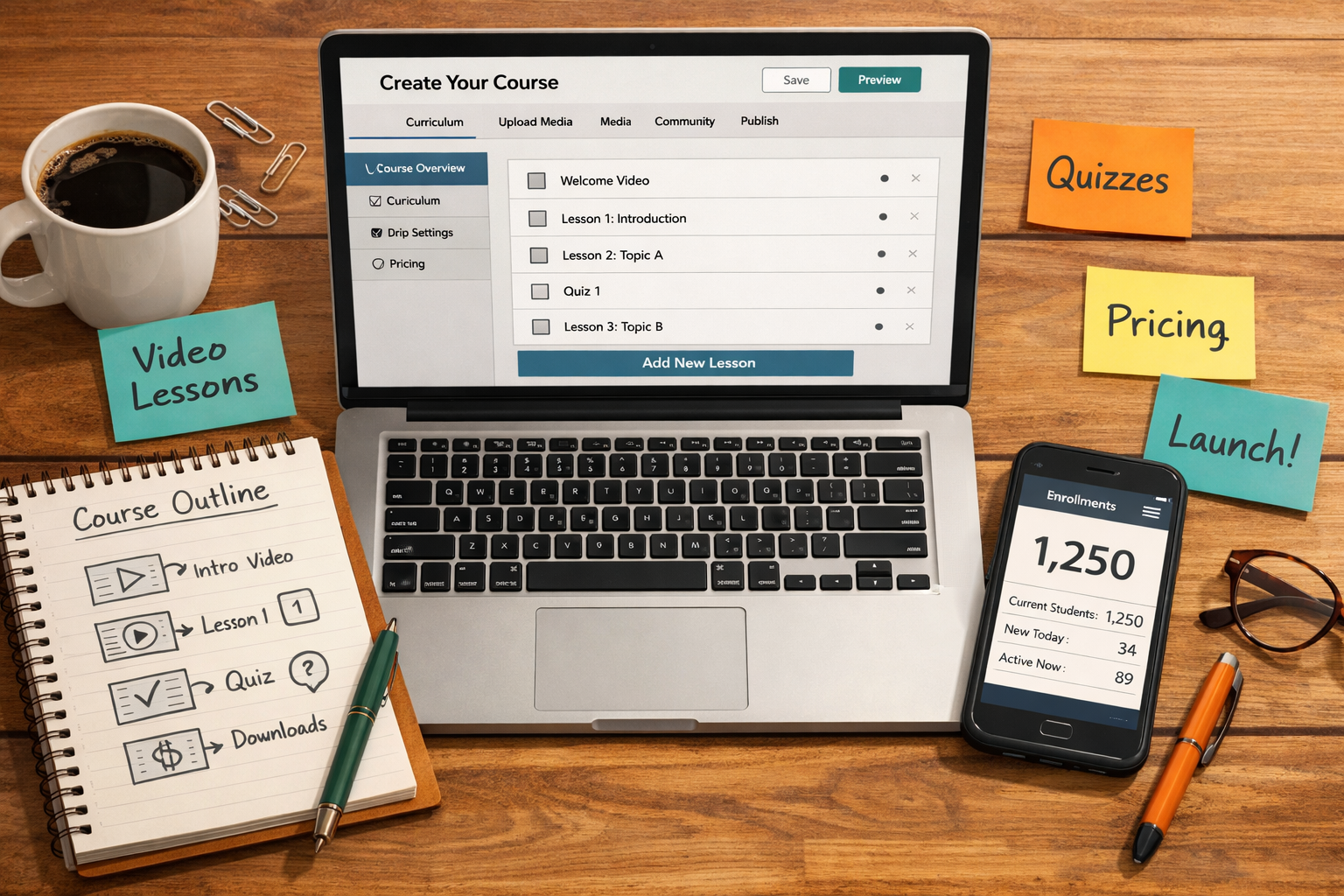
The foundation of any successful online course business is choosing the right platform. These tools handle hosting, payment processing, student management, and more. Here is a breakdown of the top options for beginners in 2026.
🏆 All-in-One Course Platforms
These platforms do the heavy lifting. They let creators build, host, market, and sell courses all in one place.
1. Teachable
- Best for: Beginners who want simplicity
- Pricing: Free plan available; paid plans from $39/month
- Key features: Drag-and-drop course builder, built-in checkout, student analytics, certificates
- Transaction fees: 0% on paid plans (5% on free plan)
Teachable is one of the most popular choices for first-time course creators. The interface is clean and easy to navigate. Even someone with zero tech experience can launch a course in a weekend.
2. Thinkific
- Best for: Creators who want more customization
- Pricing: Free plan available; paid plans from $36/month
- Key features: Custom domains, community features, quizzes, no transaction fees on any plan
- Transaction fees: 0% on all plans
Thinkific offers a generous free plan that lets beginners test the waters without spending a dime. It is slightly more customizable than Teachable, which makes it a great option as a course business grows.
3. Kajabi
- Best for: Serious creators who want an all-in-one business tool
- Pricing: From $69/month (no free plan, but 14-day free trial)
- Key features: Email marketing, landing pages, pipelines, podcasts, community, memberships
- Transaction fees: 0%
Kajabi is the premium option. It replaces multiple tools — email software, website builder, course platform — with one system. The higher price tag pays off for creators generating consistent revenue.
4. Podia
- Best for: Creators selling digital downloads AND courses
- Pricing: From $33/month
- Key features: Sell courses, webinars, memberships, and digital downloads; built-in email marketing
- Transaction fees: 0%
Podia is a strong choice for freelancers who want to sell multiple types of digital products from a single storefront.
🎓 Marketplace Platforms (Sell to an Existing Audience)
If building an audience from scratch feels overwhelming, marketplace platforms already have millions of students searching for courses.
5. Udemy
- Best for: Beginners with no existing audience
- Pricing: Free to publish; Udemy takes 37–63% of revenue
- Key features: Built-in audience of 60+ million students, promotional tools, mobile app
- Earnings potential: $100 – $3,000/month per popular course
Udemy handles all the marketing. The trade-off is lower revenue per sale. However, volume can make up for it — especially for popular topics like programming, design, or business.
6. Skillshare
- Best for: Creative-focused courses (design, photography, writing)
- Pricing: Free to publish; creators earn royalties based on watch time
- Key features: Project-based learning format, large creative community
- Earnings potential: $100 – $2,000/month
Skillshare pays based on how many minutes students watch, not per sale. This rewards creators who make engaging, binge-worthy content.
📊 Quick Platform Comparison Table
| Platform | Free Plan | Transaction Fee | Best For |
|---|---|---|---|
| Teachable | ✅ Yes | 0% (paid) | Beginners |
| Thinkific | ✅ Yes | 0% | Customization |
| Kajabi | ❌ No | 0% | All-in-one business |
| Podia | ❌ No | 0% | Multi-product sellers |
| Udemy | ✅ Yes | 37–63% cut | No-audience beginners |
| Skillshare | ✅ Yes | Royalty model | Creative courses |
Best Tools to Create and Sell Online Courses: Content Creation Toolkit
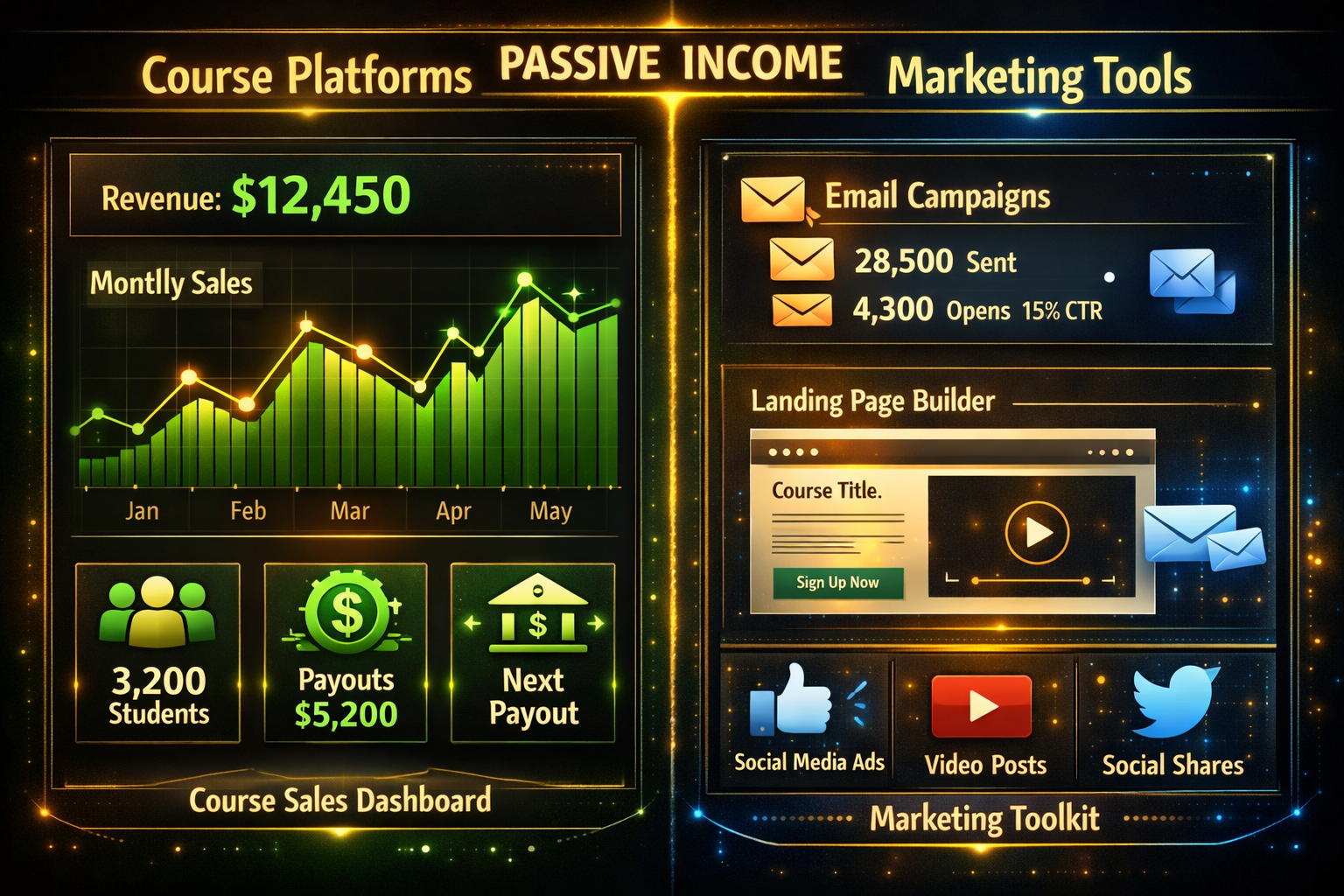
Choosing a platform is just step one. Creating high-quality course content is what keeps students engaged and leads to great reviews, referrals, and repeat buyers. The good news: professional-quality content does not require a Hollywood budget.
🎥 Video Recording & Editing Tools
Video is the most popular course format. Students expect clear visuals and good audio.
OBS Studio (Free)
The go-to free tool for screen recording and live streaming. Perfect for software tutorials, walkthroughs, and presentations. Slightly technical to set up, but there are plenty of beginner tutorials available.
Loom (Free & Paid)
Loom makes it incredibly easy to record your screen and webcam simultaneously. The free plan allows up to 25 videos. Great for quick lessons and feedback videos.
Descript (Free & Paid — from $12/month)
Descript is a game-changer for editing. It transcribes video automatically and lets creators edit video by editing the text transcript. Remove filler words (“um,” “uh”) with one click. Beginners love it.
Camtasia (Paid — from $179.88/year)
A more advanced screen recording and editing tool. Best for creators who want polished, professional-looking lessons with animations and callouts.
🎨 Design & Slide Tools
Canva (Free & Paid — from $15/month)
Canva is the most beginner-friendly design tool available. Use it to create:
- Course thumbnails
- Slide presentations
- Workbooks and PDFs
- Social media promotional graphics
The free version is powerful enough for most beginners.
Google Slides / PowerPoint (Free / Included with Microsoft 365)
Simple, familiar, and effective. Many successful courses are built entirely on slide-based video lessons. No fancy tools required.
🎙️ Audio Tools
Poor audio quality is the number one complaint from online students. Fix it with these tools:
- Audacity (Free) — Record and clean up audio on any computer
- Krisp (Free & Paid) — AI noise cancellation that removes background noise in real time
- Blue Yeti USB Microphone (~$99) — The most recommended entry-level microphone for course creators
📧 Marketing & Email Tools
Creating a great course is only half the job. Getting people to buy it is the other half.
ConvertKit (now Kit) (Free up to 10,000 subscribers)
The top email marketing tool for creators. Build email lists, send automated sequences, and nurture potential students. The free plan is generous enough for beginners to start building an audience before spending anything.
MailerLite (Free up to 1,000 subscribers)
A simpler, more affordable alternative to ConvertKit. Great for absolute beginners who want to start collecting emails right away.
ThriveCart (One-time fee ~$495)
A powerful checkout and sales funnel tool. Works alongside course platforms to increase conversions with upsells, order bumps, and affiliate management. Worth the investment for creators ready to scale.
Realistic Earning Potential: What Can You Actually Make?
Here is an honest look at what course creators at different stages typically earn:
| Stage | Monthly Revenue | What It Takes |
|---|---|---|
| Beginner (0–6 months) | $0 – $500 | Building first course, growing audience |
| Intermediate (6–18 months) | $500 – $3,000 | Consistent marketing, email list building |
| Established (18+ months) | $3,000 – $10,000+ | Multiple courses, affiliate partners, ads |
| Full-time creator | $10,000 – $50,000+ | Scaled systems, team, premium pricing |
Key factors that affect income:
- 🎯 Niche selection — High-demand topics (tech, finance, health, business) earn more
- 💰 Pricing strategy — A $197 course sold to 50 students = $9,850/month
- 📣 Marketing effort — Email lists, YouTube, social media, and SEO drive sales
- ⭐ Course quality — Strong reviews lead to more organic sales
Step-by-Step: How to Launch Your First Course
- Pick a topic — What do you know that others want to learn? Start specific (e.g., “Instagram Reels for Real Estate Agents” instead of “Social Media Marketing”).
- Validate the idea — Search Udemy and Skillshare to confirm demand. Check if people are paying for similar courses.
- Outline the curriculum — Break the topic into 5–10 modules with 3–5 short lessons each.
- Choose a platform — Start with Teachable or Thinkific free plans to minimize risk.
- Record the content — Use Loom or OBS Studio. Aim for 5–15 minute lessons.
- Set your price — Beginners often start between $47 and $197. Do not underprice your knowledge.
- Launch and market — Share on social media, email your list, and ask early students for reviews.
- Iterate and improve — Use student feedback to update and improve the course over time.
Conclusion: Your Next Steps Start Today
The best tools to create and sell online courses are more affordable and beginner-friendly than ever before. Whether starting with a free Thinkific account and a $30 USB mic, or going all-in with Kajabi and a professional recording setup, the barrier to entry has never been lower.
Here are the actionable next steps to take right now:
✅ Step 1: Pick one topic you know well and could teach in 10 short video lessons.
✅ Step 2: Sign up for a free account on Teachable or Thinkific today.
✅ Step 3: Download OBS Studio or Loom and record a 5-minute test lesson.
✅ Step 4: Create a free ConvertKit account and start building an email list.
✅ Step 5: Set a 30-day goal to have a course outline and at least 3 lessons recorded.
The online education market is not slowing down. Every day without a course is a day without passive income. Start small, stay consistent, and let the tools do the heavy lifting. 🚀