Every year, thousands of people discover that a free design tool called Canva can turn into a real income stream, no art degree required. Whether someone is a stay-at-home parent, a 9-to-5 worker looking for extra cash, or a student wanting financial freedom, the best Canva side hustles that actually make money are more accessible than ever in 2026. The barrier to entry is low, the demand is high, and the earning potential is surprisingly strong.
Key Takeaways 📌
- Canva’s free and Pro tiers make it easy for complete beginners to start earning quickly.
- Selling digital products like templates and printables can generate passive income with minimal ongoing effort.
- Freelance design services on platforms like Fiverr and Upwork offer active income with fast startup times.
- The most profitable Canva side hustles combine multiple revenue streams for maximum results.
- Realistic monthly earnings range from $200 to $5,000+, depending on effort, niche, and strategy.
What Makes Canva Perfect for Side Hustles?
Before diving into specific methods, it helps to understand why Canva is such a powerful tool for earning money online.
Canva is beginner-friendly. Its drag-and-drop interface means anyone can create professional-looking designs within hours of signing up. No prior design experience is needed.
It’s affordable. The free plan covers most basic needs. Canva Pro (around $15/month) unlocks premium features like brand kits, background remover, and thousands of extra templates — all of which can dramatically increase earning potential.
Demand for design is massive. Small businesses, content creators, coaches, and entrepreneurs constantly need graphics, templates, and branded materials. Canva-skilled freelancers and sellers fill that gap.
💡 “The best Canva side hustles that actually make money don’t require perfection — they require consistency and a willingness to serve a specific audience.”
The Best Canva Side Hustles That Actually Make Money
Here’s a breakdown of the top proven methods, organized from passive to active income opportunities.
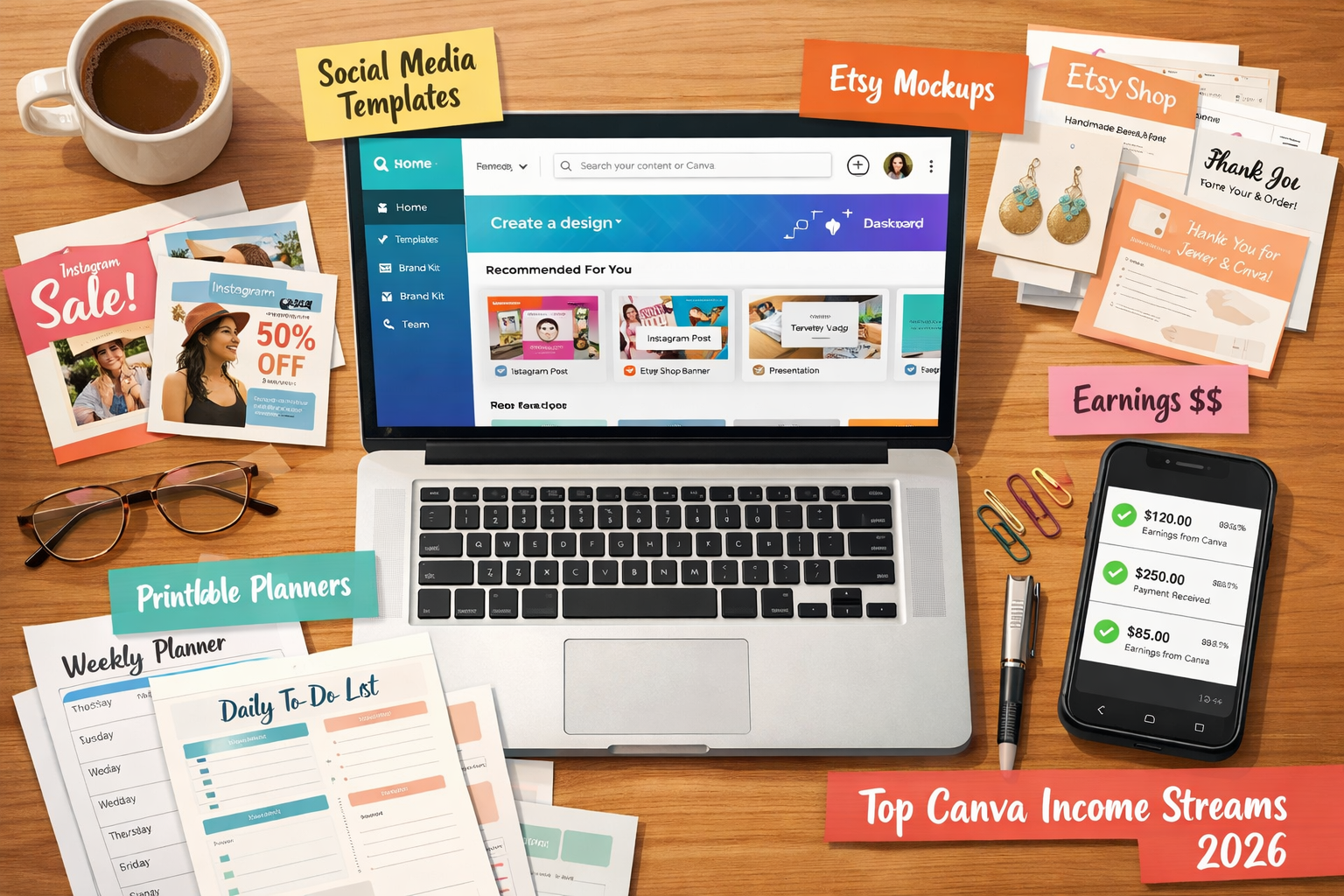
1. 🛒 Selling Canva Templates on Etsy
What it is: Design reusable templates in Canva (social media posts, resumes, planners, wedding invitations) and sell them as digital downloads on Etsy.
Why it works: Buyers get instant downloads. Sellers earn money repeatedly from a single design. It’s one of the most popular forms of passive income with Canva.
Realistic earnings:
| Experience Level | Monthly Earnings |
|---|---|
| Beginner (0–6 months) | $100 – $500 |
| Intermediate (6–12 months) | $500 – $2,000 |
| Established Shop (1+ years) | $2,000 – $10,000+ |
How to get started:
- Open a free Etsy seller account.
- Research trending template niches (Instagram story packs, Notion dashboards, business card sets).
- Design 10–20 templates in Canva.
- Share the Canva template link as the product file.
- Write SEO-optimized listings using keywords buyers actually search.
Pro tip: Niching down (e.g., “real estate agent Instagram templates” instead of just “Instagram templates”) dramatically reduces competition and increases sales.
2. 📱 Creating and Selling Social Media Packages
What it is: Offer done-for-you social media graphics packages to small businesses, coaches, or influencers who don’t have time to design their own content.
Why it works: Social media content is an ongoing need. Clients often return monthly for new content packs, creating recurring revenue.
Platforms to sell on:
- Fiverr
- Upwork
- Instagram DMs (direct outreach)
- Facebook Groups for small business owners
What to include in a package:
- 10–30 branded social media posts
- Story templates
- Highlight cover icons
- Caption suggestions (bonus value-add)
Realistic earnings: $50–$500 per package, depending on scope and client size. Monthly retainers with 3–5 clients can bring in $500–$2,500/month.
3. 📚 Selling Printables and Digital Downloads
What it is: Create and sell printable products like budget trackers, meal planners, habit trackers, checklists, and kids’ activity sheets.
Why it works: Printables are low-effort to create and can sell indefinitely. Platforms like Etsy, Gumroad, and Payhip make it easy to list and deliver digital files automatically.
Top-selling printable niches in 2026:
- 📊 Budget and finance planners
- 🧘 Mental health and self-care journals
- 📅 Wedding and event planning kits
- 🎓 Homeschool worksheets and activity packs
- 💼 Business and productivity planners
Getting started checklist:
- ✅ Choose a niche with proven demand (search Etsy for bestsellers)
- ✅ Design 5–10 products before launching
- ✅ Use Canva’s A4 or US Letter templates for printables
- ✅ Export as high-resolution PDFs
- ✅ Price between $3–$15 per product (bundles can go higher)
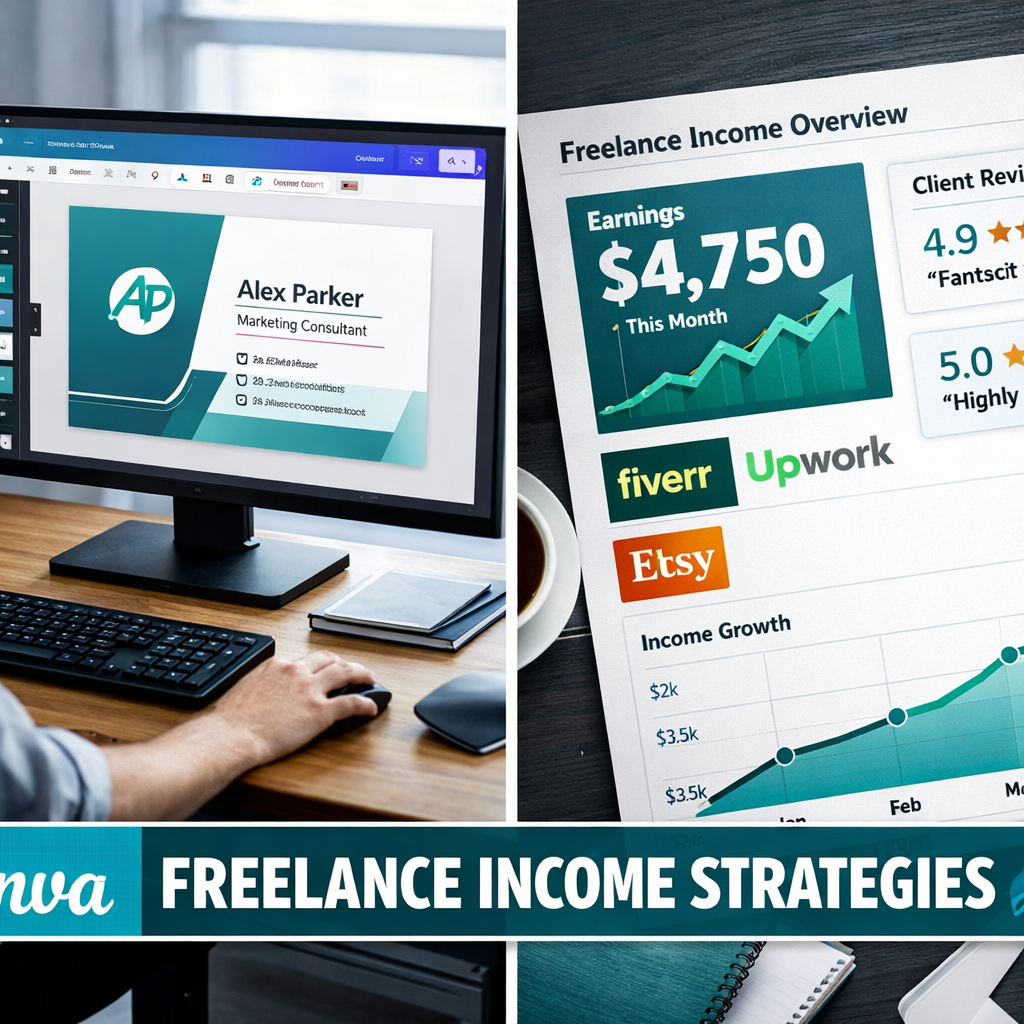
4. 🎨 Freelance Graphic Design Services
What it is: Offer Canva-based design services directly to clients — logos, presentations, brochures, pitch decks, eBook covers, and more.
Why it works: Many small business owners and solopreneurs need professional-looking materials but can’t afford expensive design agencies. A Canva-skilled freelancer fills this gap affordably.
Best platforms to find clients:
- Fiverr – Great for beginners; clients come to you
- Upwork – Better for higher-paying, longer-term projects
- LinkedIn – Excellent for B2B clients and professional services
- PeoplePerHour – Strong for UK and European markets
Service ideas and price ranges:
| Service | Price Range |
|---|---|
| Logo design | $25 – $150 |
| Presentation/pitch deck | $50 – $300 |
| eBook or lead magnet design | $75 – $250 |
| Business card design | $20 – $75 |
| YouTube thumbnail pack (10) | $30 – $100 |
Important note: Always be transparent that designs are created in Canva. Many clients don’t care — they care about results and turnaround time.
5. 📖 Teaching Canva Skills Online
What it is: Create and sell online courses, YouTube tutorials, or paid workshops teaching others how to use Canva for business or design.
Why it works: Canva has millions of users, many of whom want to improve their skills. Teaching is one of the highest-leverage Canva side hustles because the same content can be sold repeatedly.
Platforms to publish courses:
- Teachable
- Udemy
- Gumroad (for simple PDF guides or mini-courses)
- YouTube (monetized with ads + affiliate links)
Content ideas:
- “Canva for Beginners: Design Like a Pro”
- “How to Sell Canva Templates on Etsy”
- “Canva for Small Business Owners”
- “Create a Professional Brand Kit in Canva”
Realistic earnings: YouTube channels focused on Canva tutorials can earn $500–$3,000/month through ads and affiliate commissions. Courses on Udemy or Teachable can generate $200–$5,000/month depending on audience size.
6. 🖨️ Print-on-Demand Products
What it is: Use Canva to design graphics for print-on-demand (POD) products like t-shirts, mugs, tote bags, and phone cases. Platforms like Printify or Printful handle printing and shipping.
Why it works: Zero upfront inventory cost. Designs can be created in Canva and uploaded directly to POD platforms connected to an Etsy or Shopify store.
Best POD platforms in 2026:
- Printify (integrates with Etsy)
- Printful (integrates with Shopify)
- Redbubble (built-in marketplace)
- Merch by Amazon
Tips for success:
- Focus on specific niches (dog lovers, nurses, teachers, gym enthusiasts)
- Create 20–50 designs before expecting significant sales
- Research trending phrases and seasonal designs
How to Choose the Right Canva Side Hustle
Not every method suits every person. Use this quick guide to match a hustle to individual goals and lifestyle:
| Goal | Best Canva Side Hustle |
|---|---|
| Passive income with minimal client work | Etsy templates, printables, POD |
| Fast cash (within 1–2 weeks) | Freelance services on Fiverr/Upwork |
| Long-term scalable income | Online courses, YouTube, template shops |
| Low startup cost | All of the above (Canva free plan works) |
| Creative freedom | POD products, template design |
Common Mistakes to Avoid 🚫
Even the best Canva side hustles that actually make money can fail if these pitfalls aren’t avoided:
- Trying to do everything at once. Pick one or two methods and master them before expanding.
- Ignoring SEO. Whether it’s an Etsy listing or a Fiverr gig, keywords matter enormously.
- Underpricing services. Low prices attract difficult clients and burn out sellers fast.
- Skipping market research. Always validate demand before creating 50 products nobody wants.
- Giving up too soon. Most Canva sellers see meaningful income after 3–6 months of consistent effort.
Realistic Income Expectations for 2026
Honesty matters here. Not everyone will make $10,000/month from Canva. But consistent, focused effort can absolutely generate meaningful side income.
Conservative monthly estimates for beginners:
- Month 1–2: $0–$100 (learning phase)
- Month 3–4: $100–$500 (gaining traction)
- Month 6+: $500–$2,000+ (with consistent effort)
The key variables are niche selection, platform choice, volume of products or services offered, and marketing effort.
Conclusion: Start Your Canva Side Hustle Today 🚀
The best Canva side hustles that actually make money are not secrets — they’re proven strategies used by thousands of people worldwide right now. What separates successful Canva earners from those who give up is simple: consistent action over time.
Actionable next steps to take this week:
- Sign up for Canva (free plan is enough to start).
- Choose one side hustle from this list that matches your goals and lifestyle.
- Research your niche — browse Etsy, Fiverr, or Udemy to see what’s already selling.
- Create your first 5–10 designs or gigs and publish them.
- Commit to 90 days of consistent effort before evaluating results.
The tools are free. The market is massive. The only thing missing is the decision to start. 💪